 Color Flashlight
How to Change Your Flashlight Color on iPhone
Short answer: you can't recolor the iPhone's LED flashlight — the diode only produces white light, and iOS has no color setting for it. But you don't need the LED. A screen-based color flashlight app fills your entire display with any RGB color, giving you a bigger, softer light in any shade you want — in about 10 seconds.
Why the iPhone flashlight can't change color
The flashlight on the back of your iPhone is a fixed white LED (technically a pair of LEDs tuned for "True Tone" flash photography). Apple lets you adjust its brightness — press and hold the flashlight icon in Control Center and drag the slider — but there is no hue control in any version of iOS, including the latest. If you've seen TikToks promising a hidden rainbow flashlight setting, they're either using an app or a screen trick.
The good news: the best color light on your iPhone was never the LED. It's the display — a huge, high-brightness panel that can render 16.7 million colors precisely.
The one-tap way: use your screen as the flashlight
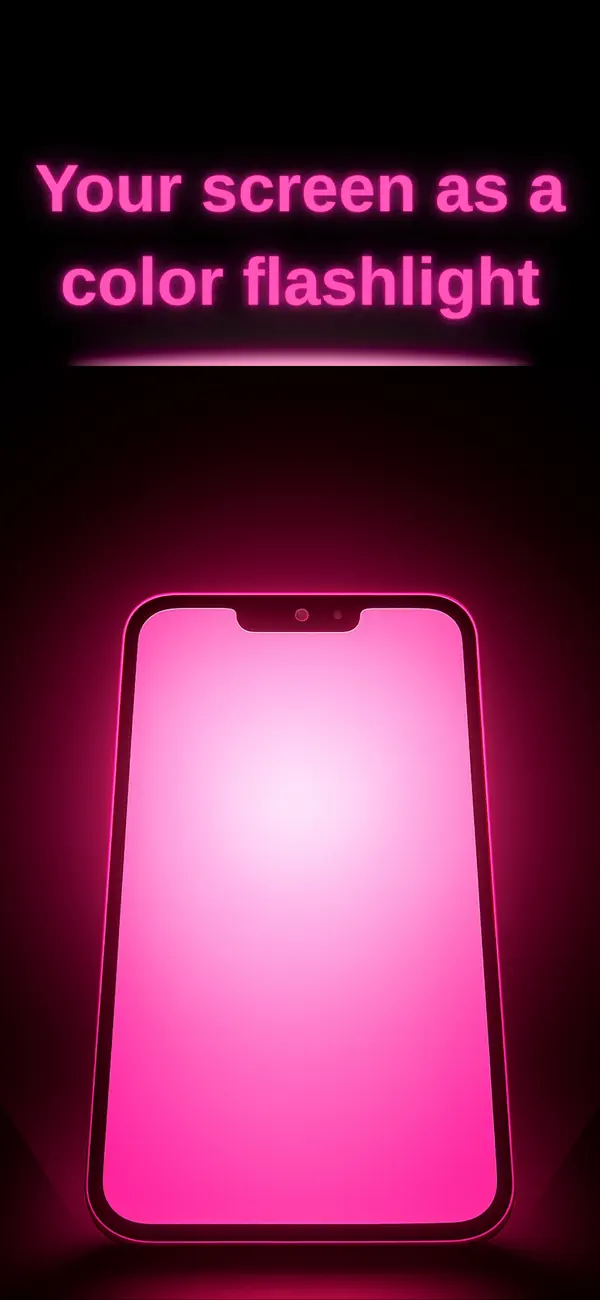
Color Flashlight – ScreenFlash (free, iOS 12+) turns the whole screen into the light source. Here's the full process:
- Install the app. Download it free from the App Store — it works on iPhone and iPad.
- Tap the big power button. The screen ignites instantly at your last color and brightness.
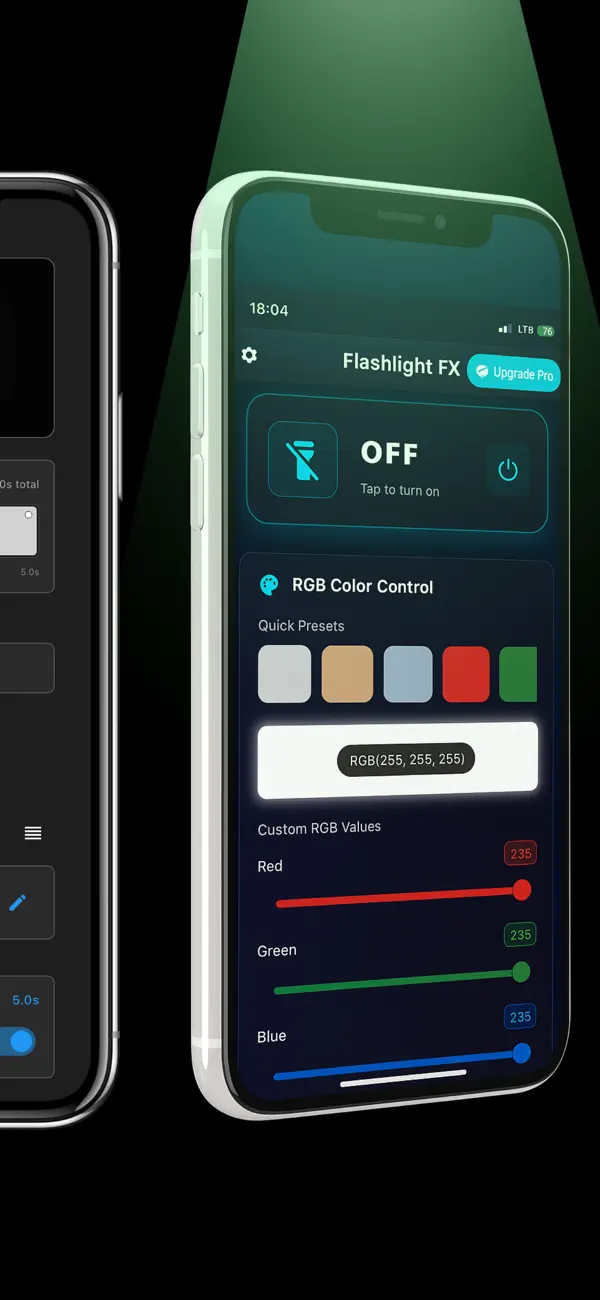
- Pick your color. Drag the color wheel, or fine-tune the individual Red, Green and Blue sliders for an exact value (e.g. 255,0,0 for pure red). One-tap palettes — Warm, Cool, Pastel, Neon, Fluorescent, Cinematic — get you a great look instantly.
- Dial brightness and save. Use the brightness and color-temperature sliders, then save your shade as a preset under Favorites so it's one tap away next time.
Which color should you use?
- Red — preserves night vision for stargazing, camping and night driving stops, and it's the least disruptive to sleep.
- Warm amber — cozy reading light or baby night light that won't fight melatonin.
- Soft white / pastel — flattering selfie and makeup light.
- Green — high visibility with less glare; popular for map reading and hunting blinds.
- Blue, purple, neon — mood lighting, parties and video accents.
Beyond a static color
Once your flashlight can be any color, static light is just the start. ScreenFlash includes an effects engine: an adjustable strobe (50–1000 ms), an automatic SOS Morse beacon, 16-color disco, red-blue police lights, a smooth rainbow rotation — and a Pro Timeline editor for scripting your own multi-step color shows with fades, holds, pulses and loops.
Frequently asked questions
Does iOS have a built-in way to change flashlight color?
No. Control Center only adjusts brightness (and beam width on newer Pro models). The LED hardware is white-only, so no iOS update can add color to it.
Is a screen flashlight bright enough?
Modern iPhone displays reach 1000+ nits. For close-range tasks — reading, tents, selfies, ambience — it's plenty, and far more pleasant than the harsh LED point source.
Do color flashlight apps drain the battery?
A dimmed screen typically draws less power than running the LED flash continuously and produces less heat. The app's wakelock keeps the screen awake only while the light is in use.