 Color Flashlight
Disco Party Lights From Your Phone
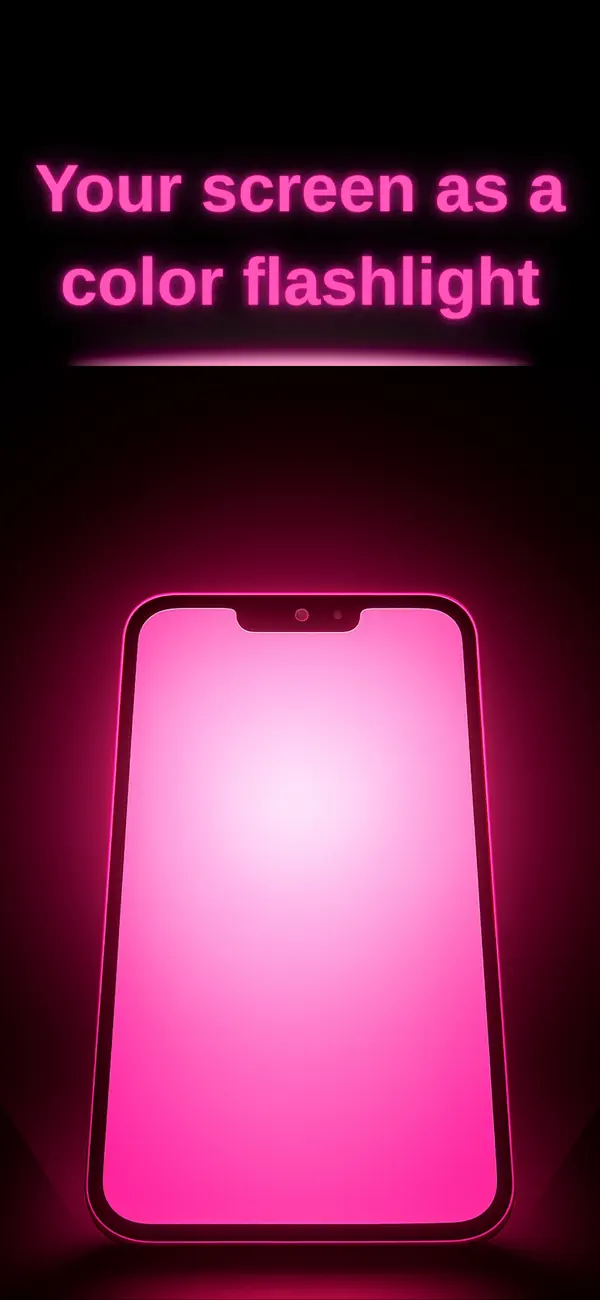
Short answer: a party needs moving colored light more than it needs any particular fixture. ScreenFlash's DISCO mode jump-cuts the whole screen through 16 saturated colors (with optional vibration sync), RAINBOW flows hues smoothly, and STROBE brings the drop — which means the phones already in the room can light the party.
The 60-second party rig
- Install ScreenFlash free (do it on every willing phone in the house).
- Kill the room lights. Prop each phone facing a wall or the ceiling — bounced color beats direct glare.
- Swipe up to Effects → DISCO: 16 colors, hard cuts, optional vibration sync you can literally feel on a table.
- Long-press to set speed — slow for lounge, fast for peak hour. Save it as a "Party" preset.
Match the effect to the moment
- Guests arriving: RAINBOW on slow — welcoming, moving color that doesn't shout.
- Dance floor: DISCO fast, one phone per corner. Add a white strobe phone for the drop (see the safety notes there — announce strobes).
- Theme scenes: POLICE mode for the cop-movie bit, neon purple static for the photo corner.
- Wind-down: switch survivors' phones to warm amber mood light and the night lands softly.
Script your own light show (Pro)
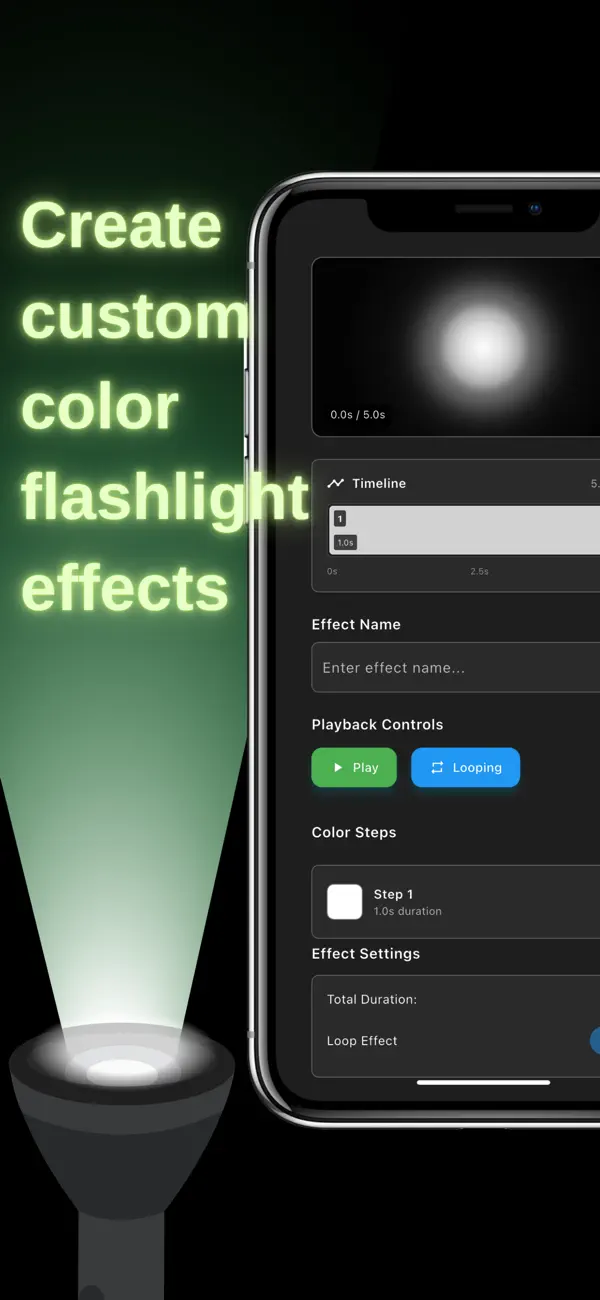
The Timeline editor is the party trick nobody expects: build a custom sequence — four fast neon cuts, fade to magenta, two-second hold, loop — and run it as your signature look. Sync the same preset across phones and the room feels programmed. It's the same tool creators use for animated RGB video backgrounds, so your party footage looks lit on purpose.
Frequently asked questions
How do I make party lights with my phone?
Effects → DISCO or RAINBOW, phone facing a wall, lights off, speed to taste.
Can I sync multiple phones?
Run the same effect on several phones aimed at different walls — the layered color reads as a club rig.
Is a screen bright enough for a party?
In a dark room with pale walls, absolutely — and every extra phone multiplies it.